








29 articles on Webflow — practical Webflow guides written for people who build and maintain real sites.
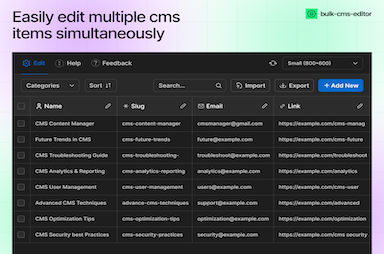
Search, bulk edit, export, and QA large CMS collections—patterns for agencies managing dozens of client sites and thousands of items.
Patterns for multi-select filters, collection-driven filter chips, and faster discovery—without shipping a custom React bundle on every marketing site.

How to bundle consent, forms, CMS power tools, and media apps into a repeatable playbook—so each client gets quality without reinventing integrations.
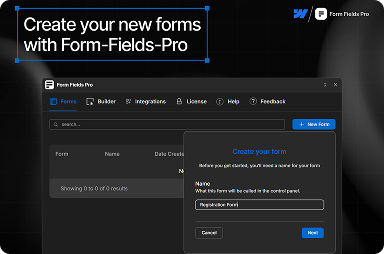
Date pickers, range sliders, multi-step flows, and stronger field primitives—how to plan forms in the Designer when native Webflow fields are not enough.
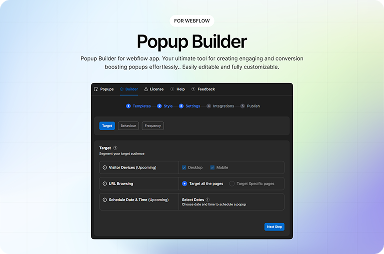
How to ship modals that convert without training visitors to dismiss everything—using templates, caps, and placement that match Webflow’s interaction model.
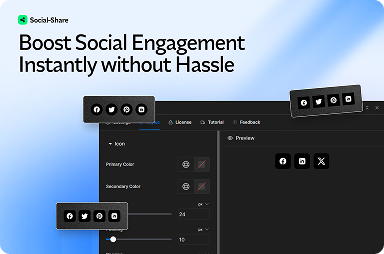
How to add share actions that feel native to your layout, avoid layout shift, and keep Core Web Vitals healthy on content-heavy Webflow sites.
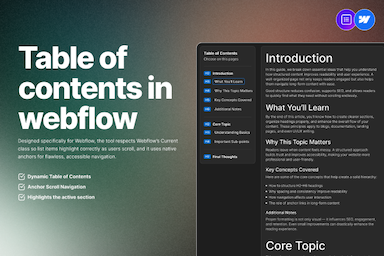
Automatic TOCs for rich text keep guides scannable, improve on-page UX, and reduce manual anchor maintenance when headings change.
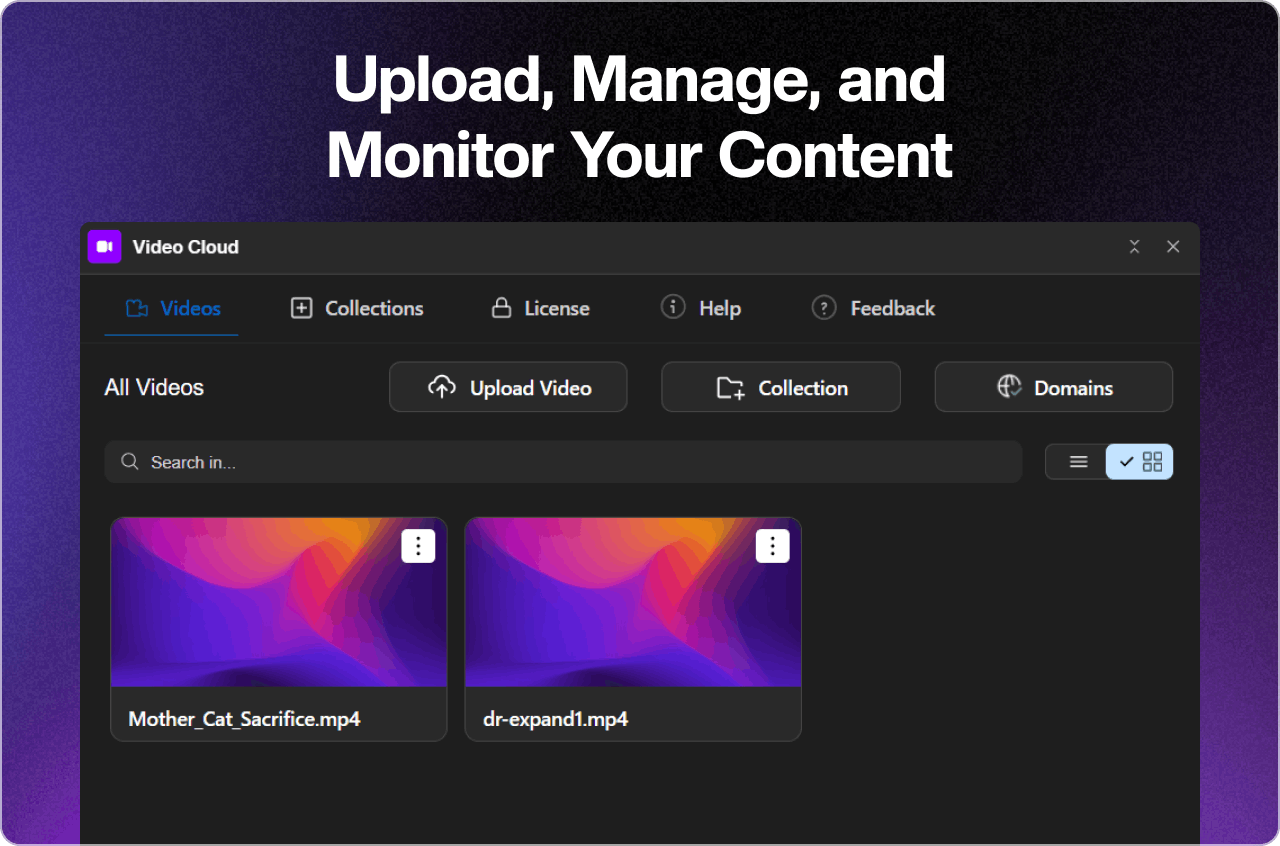
How hosted video fits the Webflow Designer workflow—and why domain security matters once your clips show up in client portfolios.
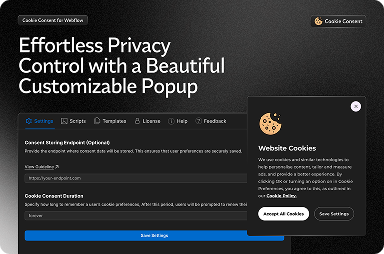
Why Webflow-native cookie tooling wins for agencies, and how to think about categories, blocking, and regional rules before you publish.
A concise briefing for PMs, designers, and clients—constraints and capabilities that prevent expensive assumptions before you scope the build.
When to self-host vs third-party players, how caching shapes perceived quality, and why domain controls matter for premium content.
Data, battery, and motion expectations on small screens—and how to keep cinematic heroes from becoming silent performance regressions.
How TOC patterns help humans scan long guides—and the SEO nuances of anchors, duplicates, and mobile behaviour.
How share widgets interact with LCP, INP, and CLS—and patterns that keep engagement features from becoming performance debt.
Cache busting, meta tag precedence, image dimensions, and the usual suspects behind ‘correct on site, wrong in Slack’ sharing previews.
Roles, checklists, and tooling patterns so writers and designers ship Webflow updates without stepping on each other—or production.
How to bulk-load content without breaking references, slugs, or client trust—and how to recover when a spreadsheet lies about reality.
Field mapping, UTM hygiene, dedupe rules, and handoff practices so sales trusts the pipeline coming from marketing sites.
Keyboard and assistive-tech requirements that keep modals usable—and how to test them before accessibility debt ships to production.
How to grow lists without training people to hate your brand—timing, caps, and polite return behaviour for Webflow popups.
How to strengthen topical authority without duplicate URLs, orphan hubs, or navigation that only robots understand.
Categories, counts, filter affordances, and empty states that make CMS-driven libraries feel intentional—not like a forgotten spreadsheet export.
How Webflow serves CMS lists, where performance cliffs appear, and how to design filters and pagination so visitors never wait on the wrong work.
Structure, analytics, and error handling patterns for stepped flows—so visitors finish what they start on marketing and application pages.
What to validate before you accept résumés, briefs, or attachments—and how to keep uploads trustworthy without burying users in friction.
Design patterns for dependent fields, clearer errors, and maintainable logic when native Webflow forms are not quite enough on their own.
Why loading analytics before interaction hurts trust and performance—and how to structure Webflow projects so consent matches reality.
How to align analytics and ads tags with consent choices on Webflow builds—before pixels fire, before audits, and before launch-week panic.
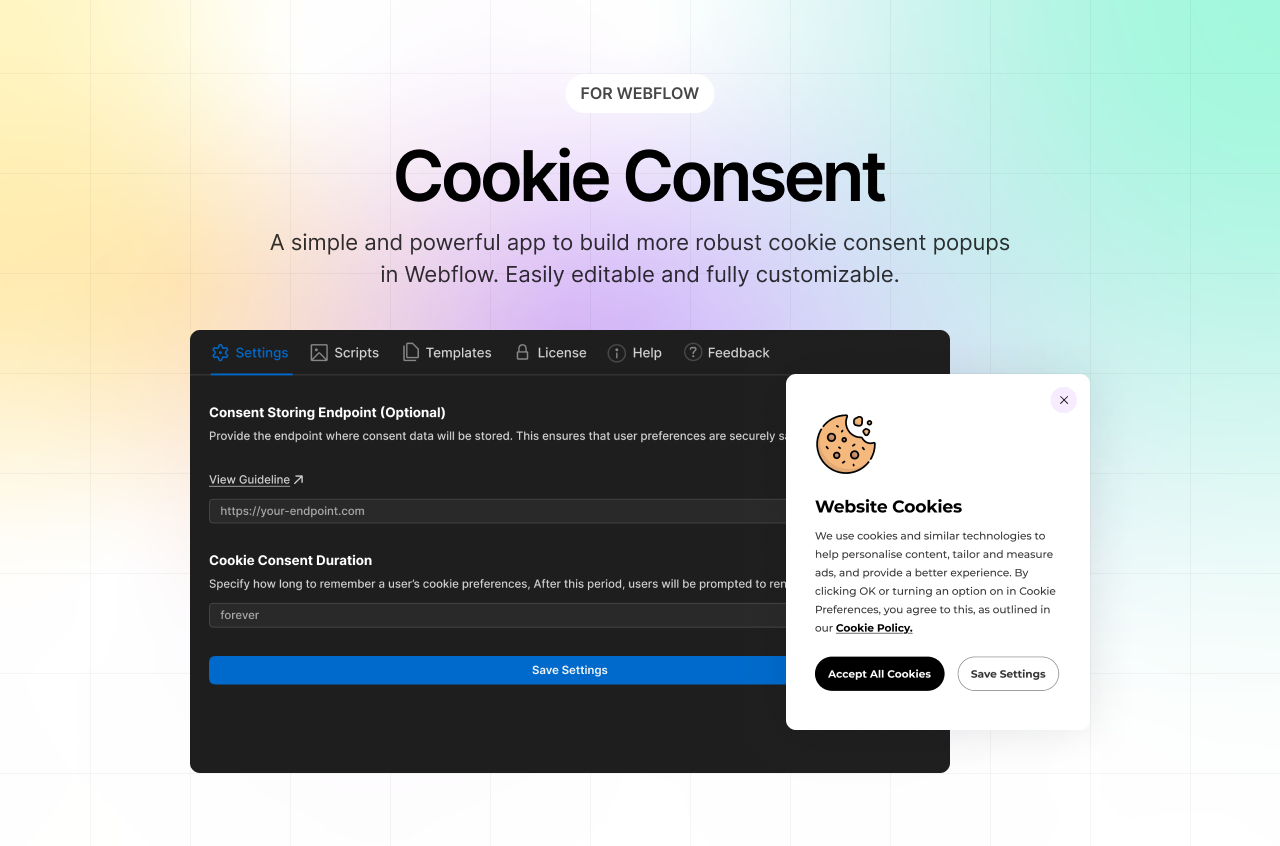
FlowAppz’s Cookie Consent app provides a seamless, Webflow-native cookie management solution—fully customizable, compliant, and built right into your design workflow. It’s faster and more flexible than script-based banners, while still robust enough for GDPR/CCPA requirements. Perfect for Webflow users who want privacy without compromises.
We don’t just build apps; we create solutions that transform how you use Webflow. Whether you’re looking to streamline workflows, add advanced functionality, or scale your business, we’ve got you covered.
All apps


