









Social buttons and third-party scripts: a Core Web Vitals–friendly setup
Every share snippet has a cost
Third-party share scripts often pull additional JavaScript, fonts, and trackers to show counts or branded buttons. Even when counts are disabled, the embed may still block rendering or compete for the main thread. On Webflow sites that already ship hero imagery and animations, that cost shows up in Interaction to Next Paint and Largest Contentful Paint regressions.
Prefer lightweight, first-party styled buttons
Native-looking buttons that link to intent URLs (https://twitter.com/intent/tweet?...) avoid heavy SDKs when you do not need live counts. If you need counts, load them after interaction or below the fold—not in the critical path of your hero.
Placeholder and layout shift discipline
Reserve space for buttons so they do not push content when fonts arrive. Fixed min-heights and flex alignment reduce cumulative layout shift when icons load asynchronously.
Measure before and after
Run Lighthouse or WebPageTest on a cold cache with and without the share embed. If the delta is noisy, profile the main thread—often the culprit is not Webflow but a single vendor file.
Social Share built for Webflow performance budgets
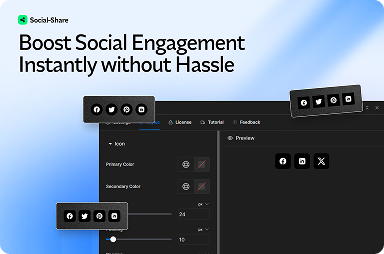
FlowAppz Social Share focuses on beautiful buttons without turning your marketing page into a script bundle.
Explore Social Share for Webflow-native share UI.
Policy: what marketing can add without engineering review
Publish a short allowed-list of scripts and embeds. Ad-hoc “paste this widget” requests should flow through the same performance review as a new analytics tag.
Engagement and speed are not enemies when defaults are disciplined.


