









Choosing embed strategies for Webflow: quality, caching, and domain restrictions
Embeds are a packaging problem
Video on marketing sites is rarely “drop a URL and forget.” You choose dimensions, poster frames, lazy loading, privacy modes, and where bytes come from. Each choice affects perceived sharpness, startup time, and whether your player respects visitor privacy settings.
Self-hosted vs major platforms
Third-party platforms offer global CDNs and adaptive bitrate—but also branding, recommended videos you may not want, and cookie behaviour you must disclose. Self-hosted or first-party delivery trades convenience for control: player chrome, domain restrictions, and fewer surprise policy changes.
Caching and adaptive streams
Adaptive streaming improves quality on variable networks by switching bitrates. Ensure your embed exposes enough controls to avoid upscaling tiny sources into full-width heroes that look soft.
Domain restrictions for gated or premium use cases
If lessons, demos, or paid modules should only play on approved domains, plan that before content leaks onto a staging URL indexed by mistake. Document allowlists and rotate keys when domains change.
Video Cloud for Webflow Designer workflows
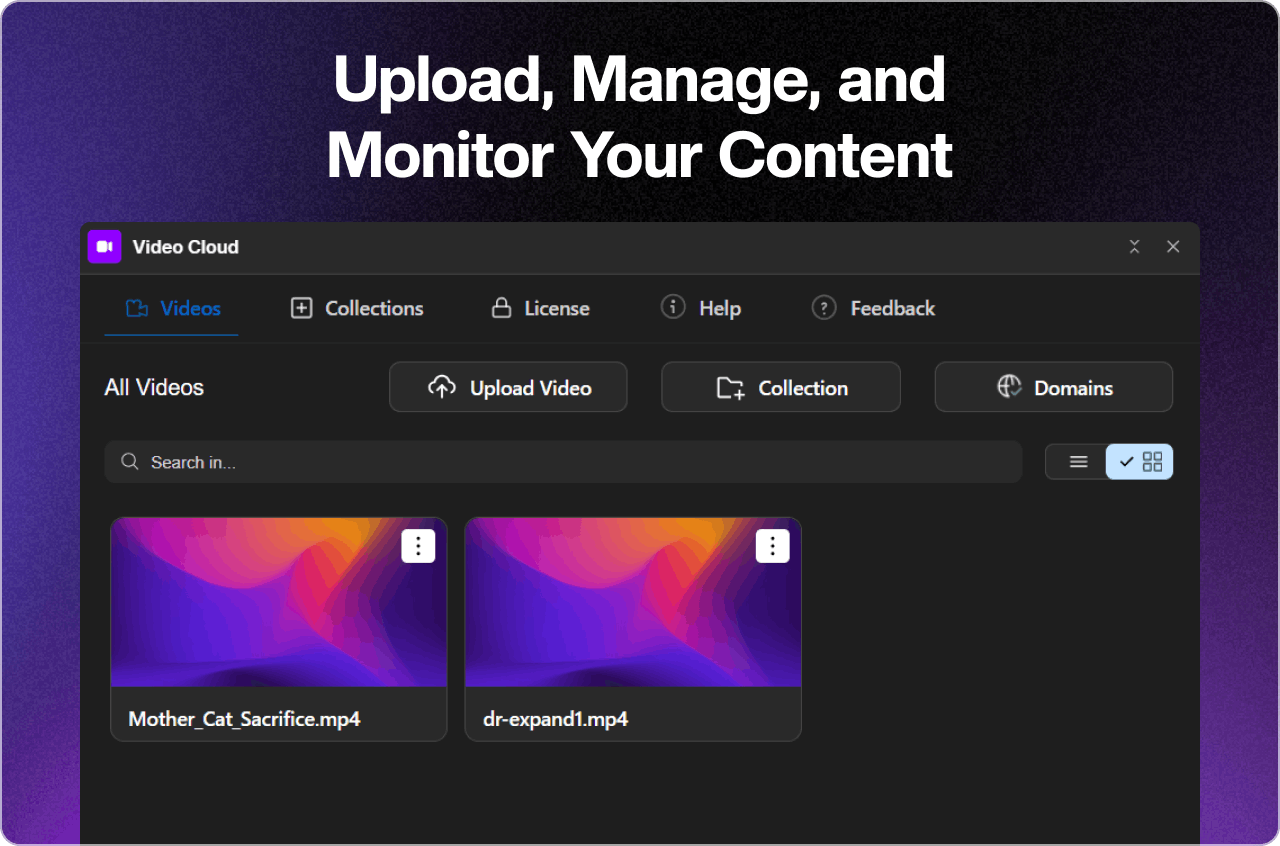
FlowAppz Video Cloud targets teams that want managed video with embeds that fit Webflow publishing cadence.
See Video Cloud for upload, management, and embed options.
Pick a strategy per surface
Marketing hero loops, webinar replays, and documentation clips have different risk profiles—do not reuse one embed pattern everywhere by default.
Match packaging to intent; visitors notice quality long before they read your pricing footnotes.


