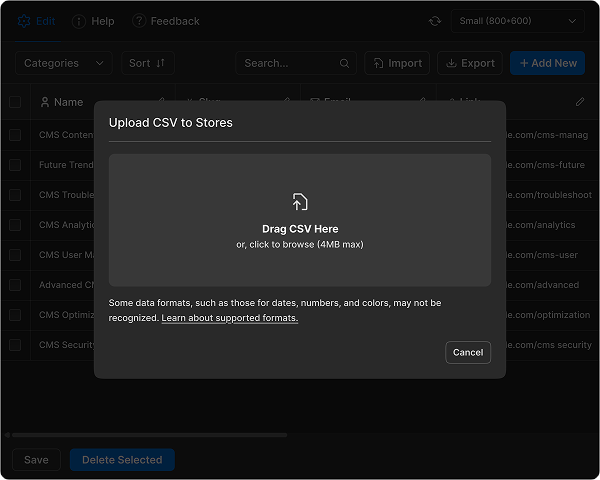
Streamline Content Updates
with Bulk CMS Editor
The Bulk CMS Editor for Webflow lets you create, edit, and manage hundreds of CMS
items at once saving you
time, reducing errors, and boosting productivity.
Amazing Features
Our intuitive Webflow app helps you amplify your reach, boost engagement, and
save time. Get started today and make every share count!
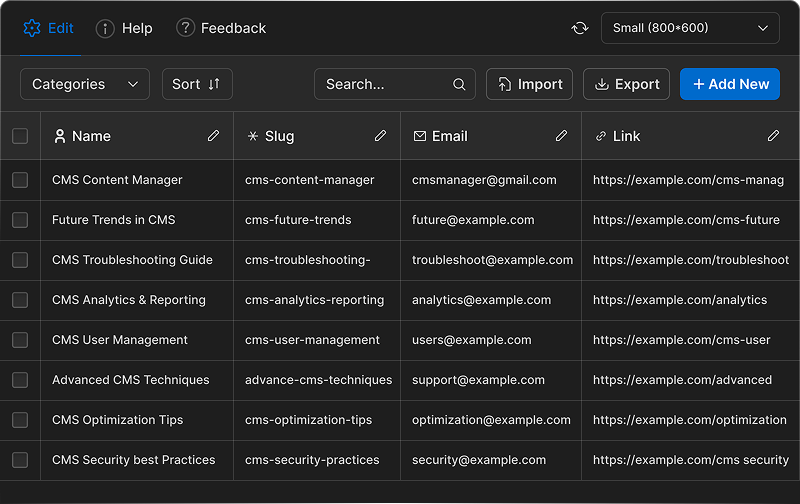
Multiple CMS Items Editing at Once
Whether you're changing blog titles, swapping images, or modifying SEO fields, Bulk CMS Editor makes it fast and seamless. No more clicking through individual entries just select, edit, and save in bulk to maximize efficiency.
Install the App
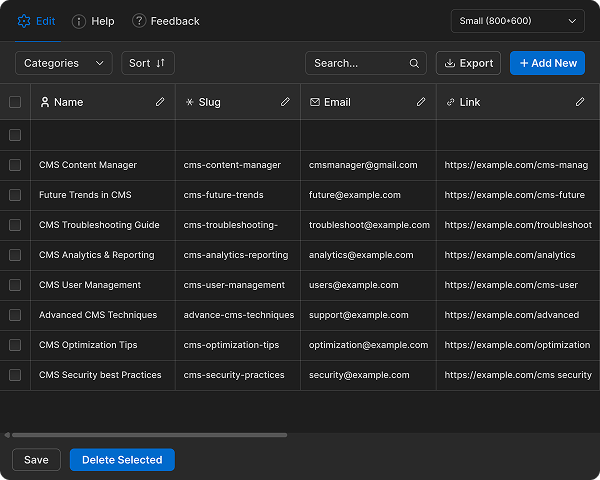
Easily Manage and Connect Selected CMS References
Simplify how you link related CMS items. With Selected Reference, you can connect posts, authors, and categories in seconds — keeping your relationships accurate and your content seamlessly organized.
Install the App
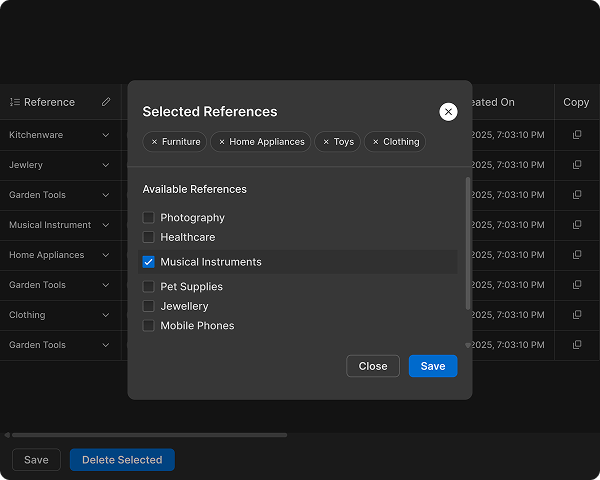
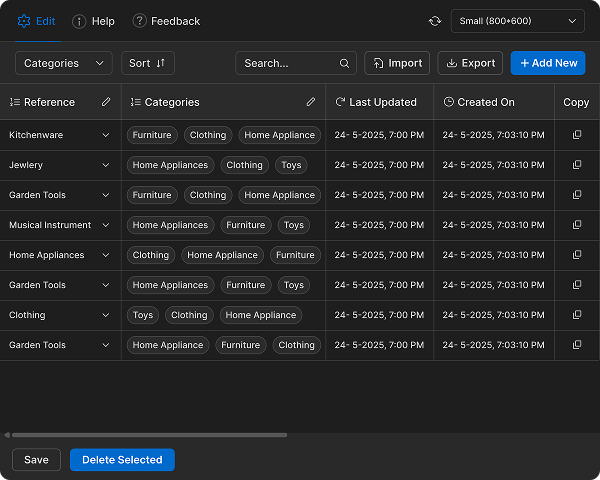
Assign and Organize Multiple CMS Categories Instantly
Group your CMS items smarter by adding or changing multiple categories at once. Whether tagging blog posts, sorting collections, or managing products, this tool helps maintain structure and consistency across your content.
Install the App
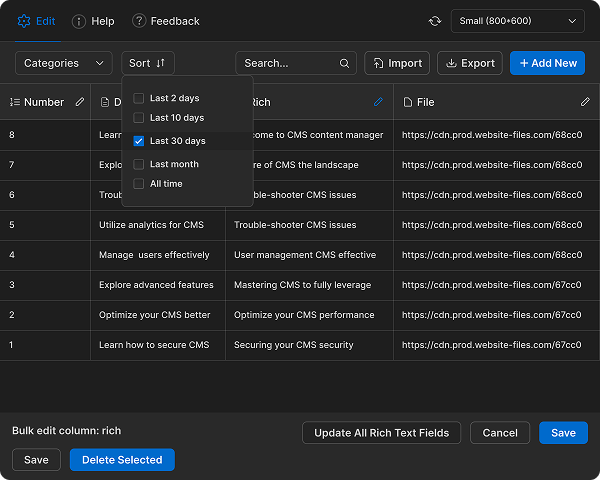
Advanced Filtering and Sorting for Faster CMS Management
Quickly locate exactly what you need using flexible filter and sort tools. Search by field, category, or keyword to refine results instantly, helping you manage even the largest CMS databases with speed and clarity.
Install the App
Import and Export CMS Data with Ease Using CSV Files
Move your content between Webflow and spreadsheets effortlessly. Upload new CMS items from a CSV or export existing ones for backup, reports, or external editing — all while keeping formatting intact and data organized.
Install the App