









Background video on mobile: when to disable, compress, or swap to a poster
Autoplaying video on cellular is a product decision, not only a design one
Background video can communicate brand energy on desktop. On mobile, the same clip may consume data, heat the device, and fight the visitor for bandwidth while they try to read the headline. Many teams default to “show everywhere” because the Designer preview looks great on Wi-Fi.
Set explicit rules: which breakpoints swap to poster, when motion-reduced preferences disable autoplay, and how low-power modes should behave.
Compression and duration trade-offs
Shorter loops with aggressive compression often outperform long cinematic files that stutter. Test on 4G—not only office fibre—and watch dropped frames and startup time.
Posters are not a downgrade
A crisp poster image with subtle CSS motion can outperform a heavy clip for LCP while still feeling premium. Pair posters with accessible alt text when the image conveys meaning.
Video Cloud for Webflow-first hosting and embeds
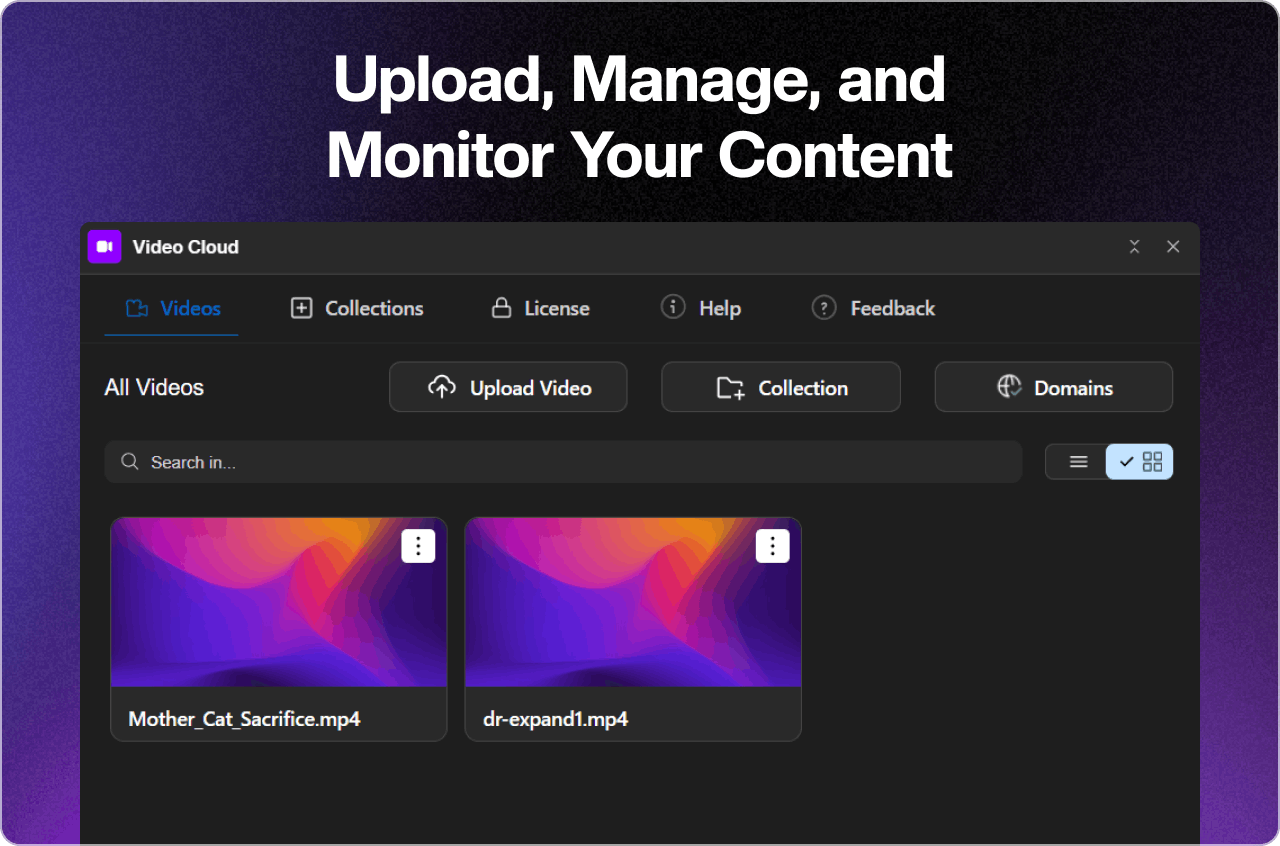
FlowAppz Video Cloud helps teams upload, manage, and embed video assets with workflows suited to Webflow sites that ship frequently.
Explore Video Cloud for hosting and embed patterns.
Checklist before shipping hero video
- Autoplay muted policy matches browser rules across Safari and Chrome mobile.
- Audio never surprises users who did not opt in.
- Fallback when
prefers-reduced-motionis set. - Analytics distinguishes play attempts vs actual sustained playback if you optimize around engagement.
Respect the small screen; it is where most first impressions happen.


