









Video Cloud for Webflow: streaming, background video, and domain lock
Self-hosting video is rarely “just upload and embed”
Large files punish LCP and mobile data caps. Wrong codecs stutter on iOS. Background loops stall interaction if they are not encoded for smooth streaming. A purpose-built hosting + embed path keeps teams from duct-taping Vimeo for hero loops and S3 for webinars on the same site.
Designer-native insertion
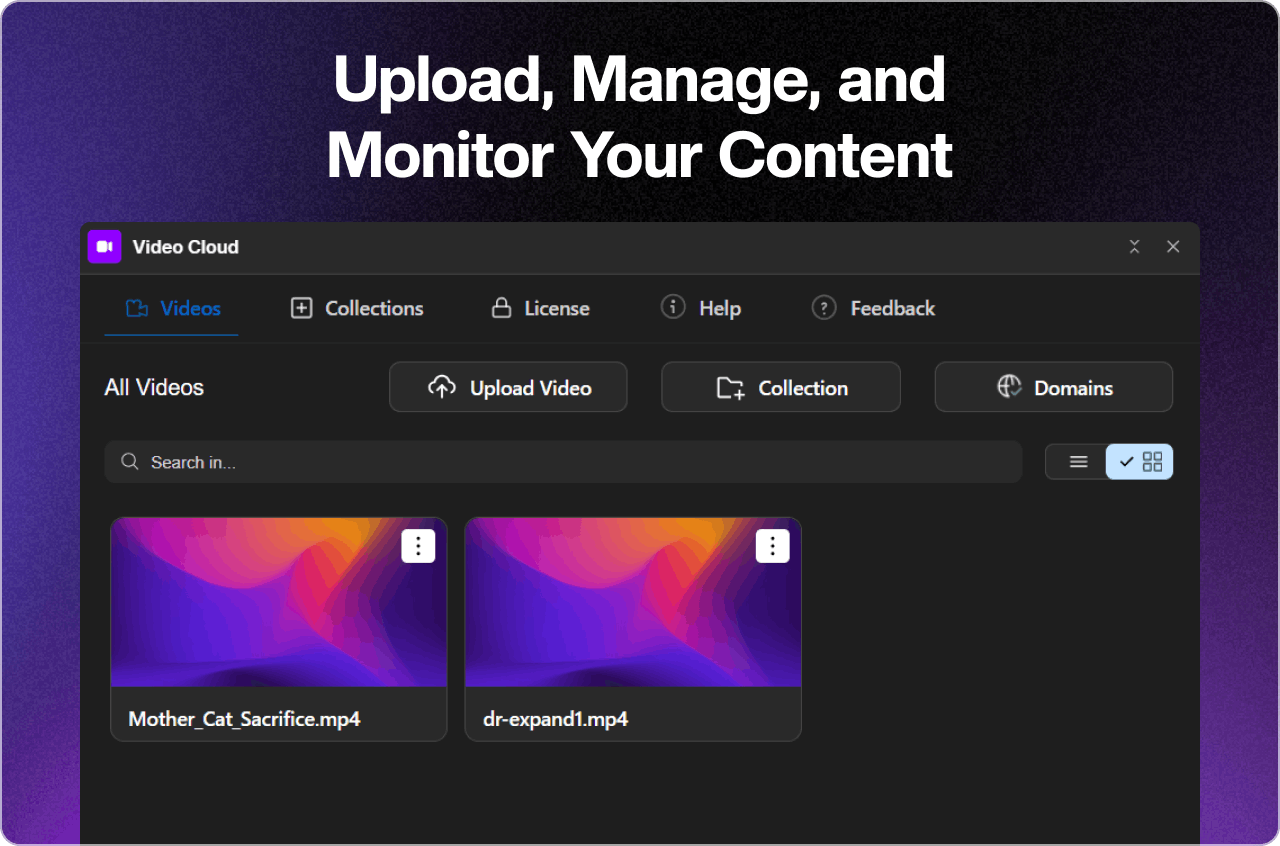
Marketing edits faster when authors pick video from a library inside Webflow instead of hunting for URLs in a spreadsheet. FlowAppz Video Cloud is aimed at uploads and inserts that feel like part of the Designer—not a separate CMS silo nobody remembers to update.
Background video without wrecking performance
Hero background clips should be short, muted, and compressed for looping. Test on throttled 4G. If the clip is mostly decorative, consider a poster image fallback for reduced-motion preferences.
Domain lock is a business feature
Once a reel looks good, clients paste the embed everywhere—including competitor knockoffs. Domain lock ensures playback only happens on domains you approve. That protects commercial work and reduces surprise bandwidth bills.
Checklist before launch
- Confirm poster frames for above-the-fold players.
- Verify autoplay policies on mobile (muted autoplay only where allowed).
- Measure LCP with and without the hero clip.
Learn more
Visit Video Cloud for product details. Pair hosting decisions with a written video retention policy so clients know how long assets live and who can delete them.


