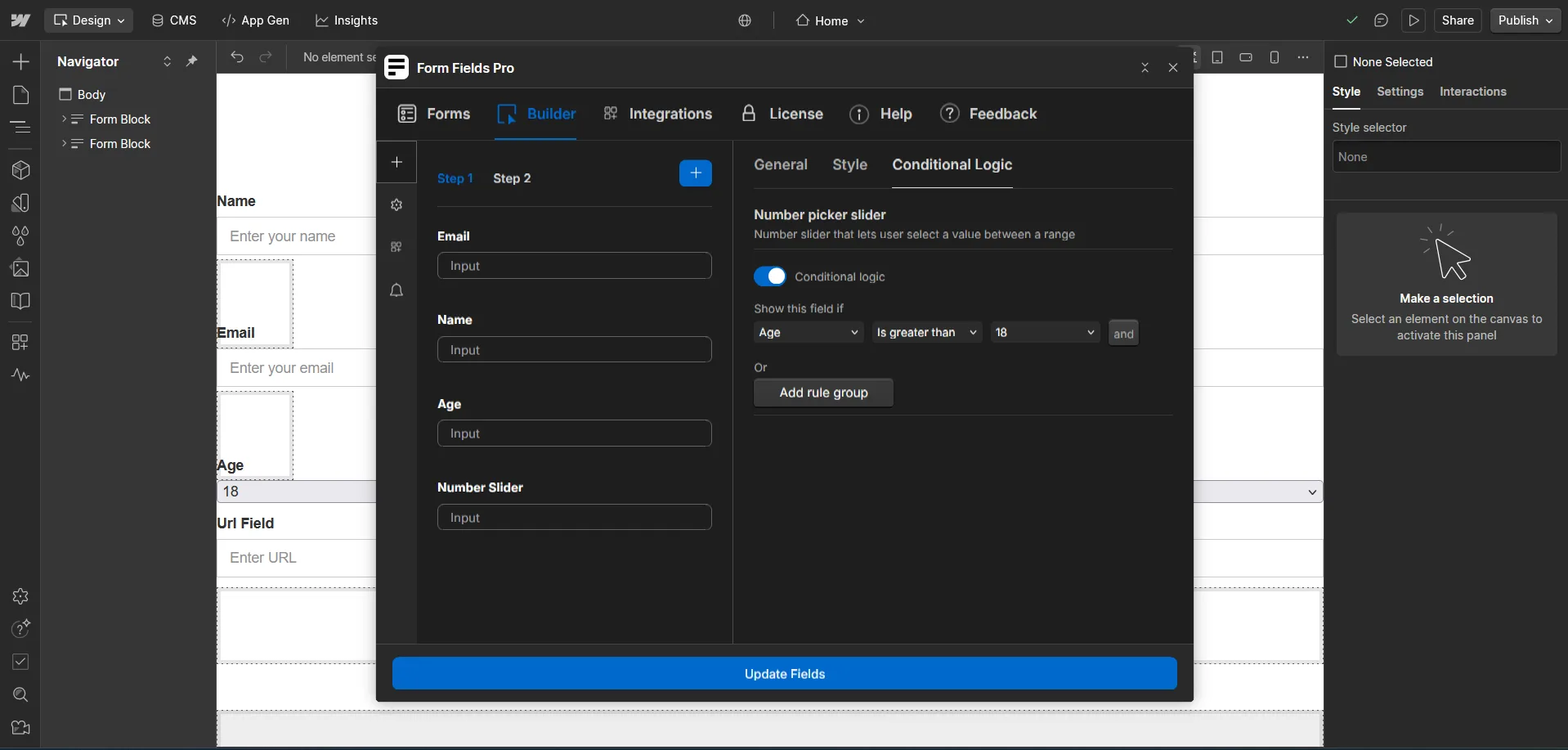
Form Fields Pro allows you to display or hide form fields based on user input.
- Select a field and open the Conditional Logic settings.
- Define rules based on previous field inputs (e.g., "Show this field if age is greater than 18 in datepicker").
- Press Insert Field and publish your site to test the logic in action.