









Build smarter with
our Webflow apps
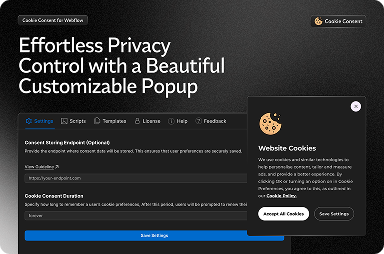
Cookie Consent
Take control of your website's cookies with customizable banners, consent options, and automatic blocking of non-essential cookies.
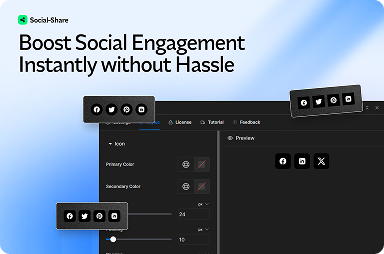
Social Share
Add beautiful social share buttons to your Webflow site & boost engagement with ease!
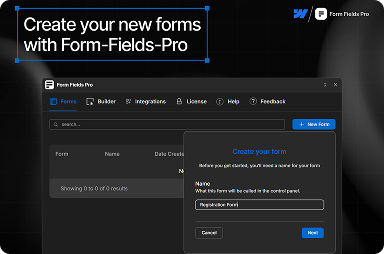
Form Fields Pro
A simple and powerful form components to build more robust forms in Webflow.
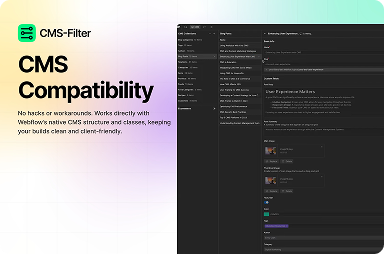
CMS Filter
Add powerful filters to your Webflow CMS collections with just a few clicks — no coding needed.
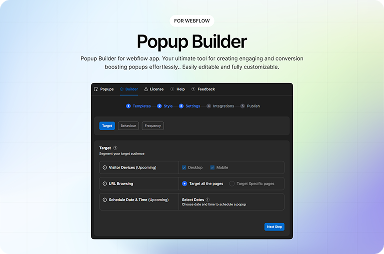
Popup Builder
Create stunning popups in Webflow using templates. Control behavior, frequency, and more.
Bulk CMS Editor
Effortlessly manage your Webflow CMS collections in bulk. Edit, update, create, delete, search, and export items.
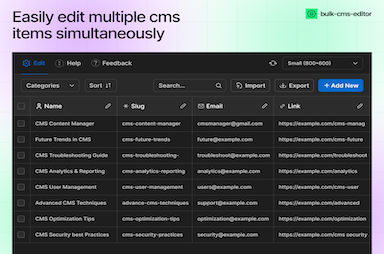
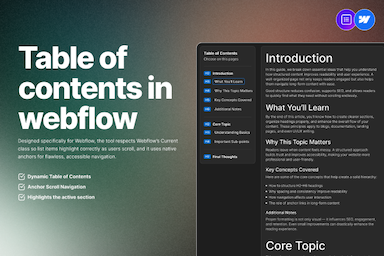
Table of Contents
Automatically generate a clean, fully styled Table of Contents for any Rich Text Block in Webflow.
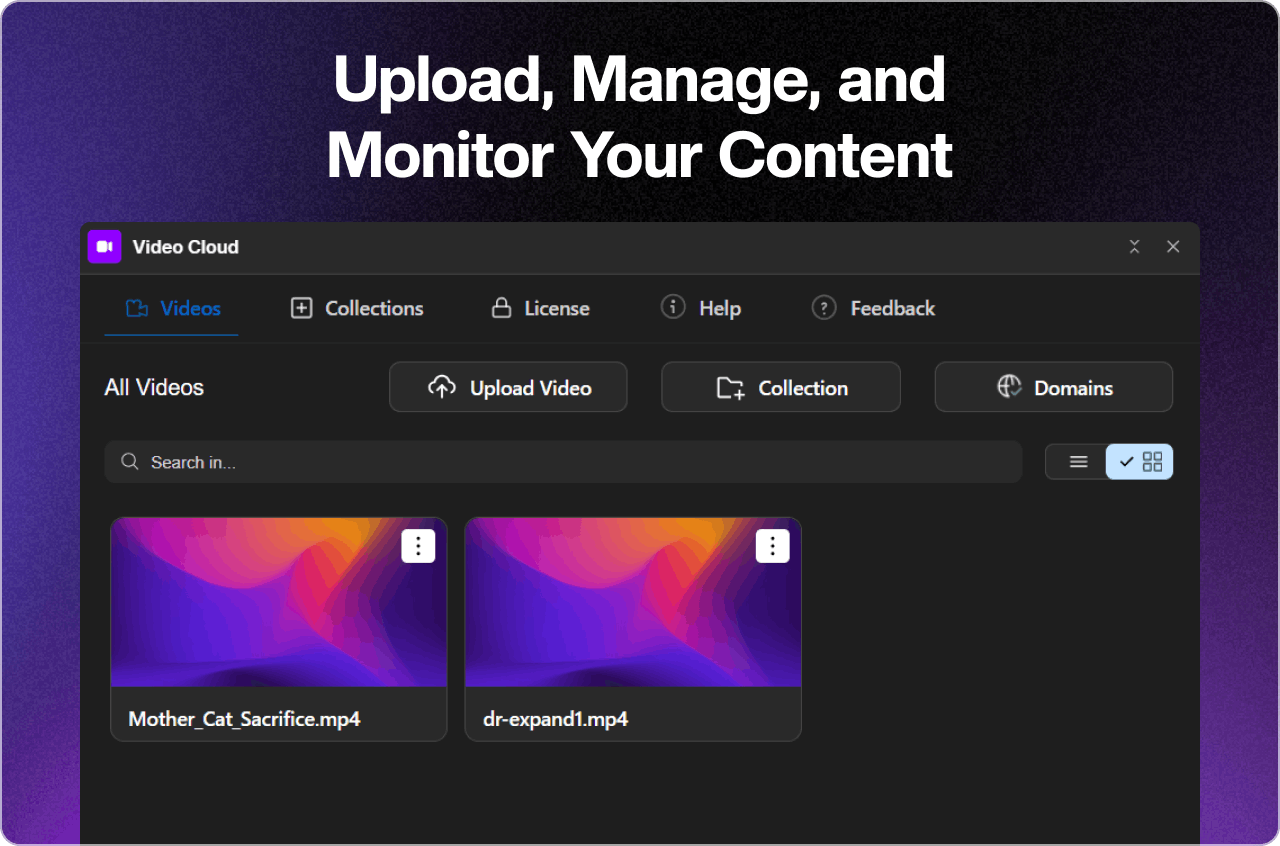
Video Cloud
Upload, manage, and embed high-quality videos and background videos directly into Webflow Designer.
Frequently Asked
Questions?
We currently process payments securely through Lemon Squeezy. Depending on your location, you can typically pay using major credit and debit cards (Visa, Mastercard, American Express), Apple Pay, Google Pay, and other local payment methods supported by Lemon Squeezy.
Our applications use a subscription verification system. If your subscription expires, the application will be automatically disabled on the frontend until renewed.
You can contact our support team through the contact form on our website, or email us directly at support@flowappz.com. We aim to respond to all inquiries within 24 hours.
Yes, we offer a 14-day refund policy for purchases that do not include a trial. If you haven’t used a trial and are not satisfied with the service, you can request a refund within 14 days of purchase. Products that include or follow a trial period are non-refundable. Please contact our support team to initiate the refund price


